
PRODUCT / SIGILO
Sigilo
Privacy-first two-factor codes — local-first, optional sync.
Sigilo is a privacy-first two-factor authentication (2FA) app that generates the one-time codes (TOTP & HOTP) you need to sign in securely — built around one idea: your data belongs to you. Codes live on your device by default and only leave it when you turn on sync.
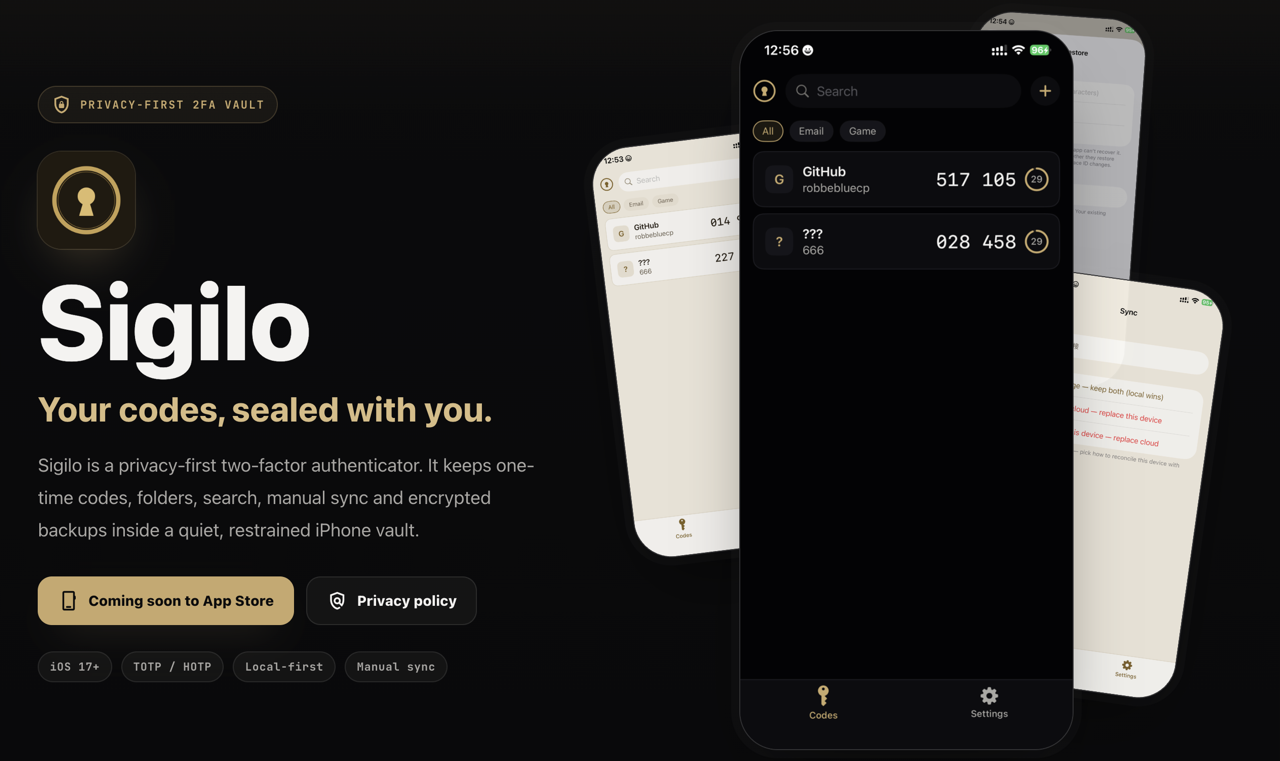
A look inside
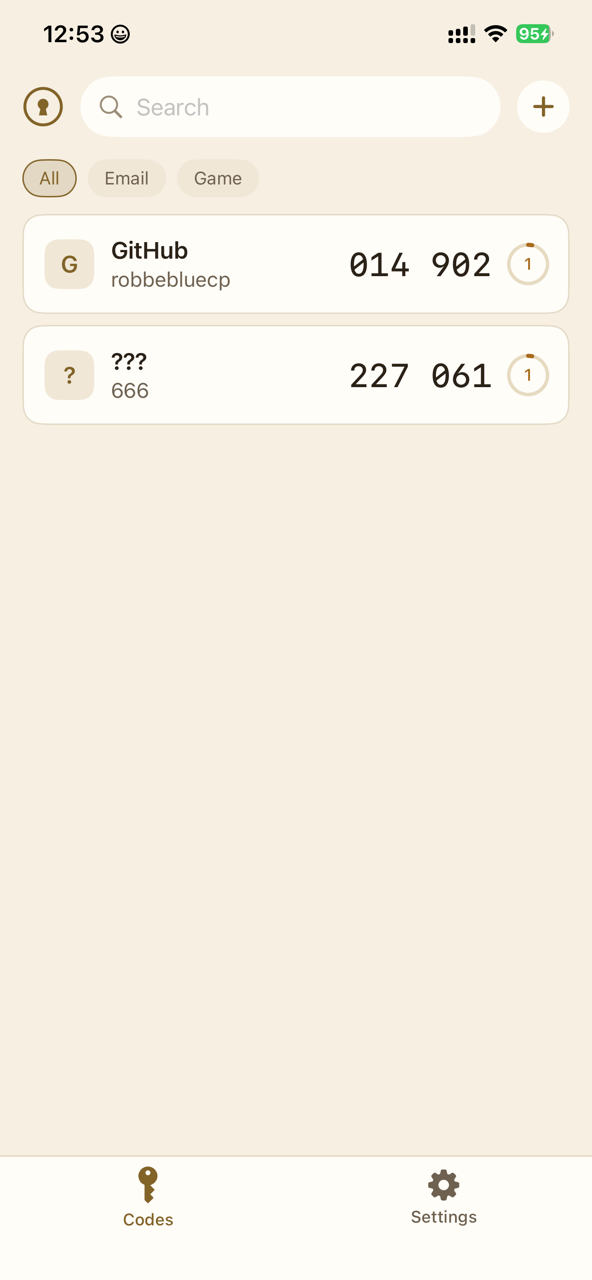
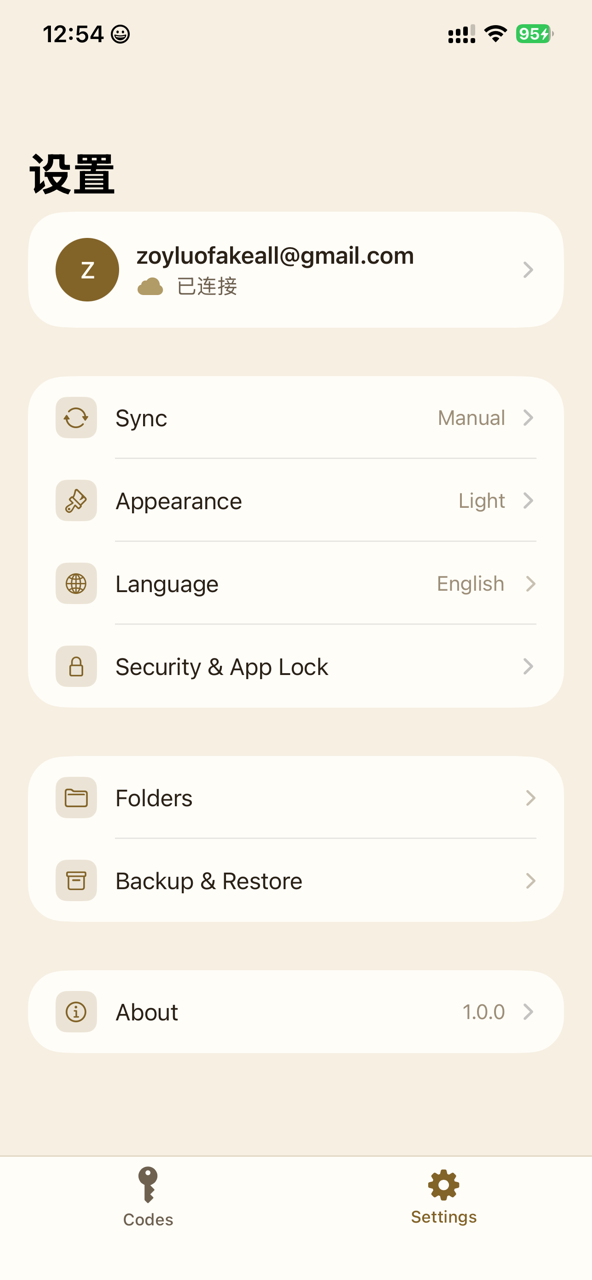
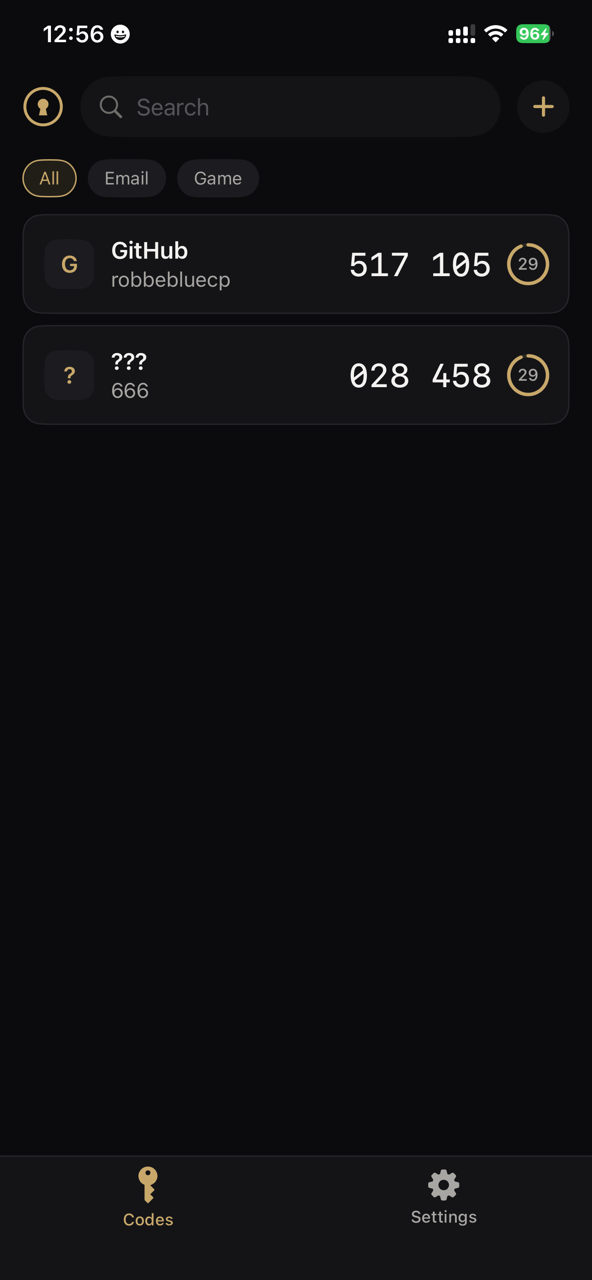
Everything you expect from an authenticator
Local-first by default
Codes you add stay on your iPhone. If you never turn on sync, nothing ever leaves your device.
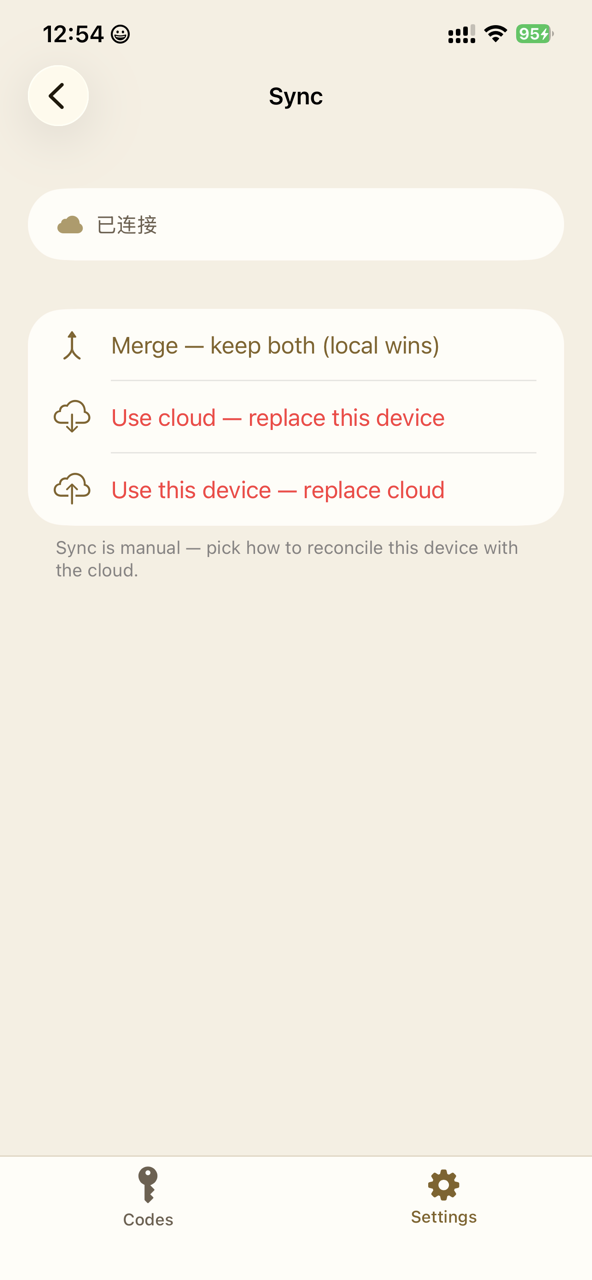
Optional cloud sync
Want your codes on more than one device, or a safety net when you switch phones? Turn on Sync — with Apple, Google, or GitHub — always under your control.
TOTP & HOTP
Works with Google, GitHub, Microsoft, Dropbox, AWS, and any service that supports standard authenticator apps.
Three ways to add
Scan a QR code, paste an otpauth link, or enter a key by hand.
Folders & search
Organize with folders and find any code instantly with search.
Face ID & encrypted backup
Face ID / passcode lock keeps your codes private; export an encrypted backup you can restore yourself.
Privacy you can trust
- No ads, ever
- No third-party tracking or analytics SDKs
- We never sell your data
- Delete your account anytime in-app — it permanently removes your account and any synced data from our servers
Learn more
| Platform | iPhone |
|---|---|
| Standards | TOTP / HOTP |
| Sync | Local by default · optional cloud sync |
| Status | On the App Store |
Sigilo is a privacy-first two-factor app where codes stay on-device by default and sync only when you choose it.
- People who want codes local by default
- Users who need backup without forced sync
- Anyone who wants a simple authenticator
Are my codes uploaded to the cloud?+
Not by default. Only when you turn on Sync does your vault back up for cross-device restore; otherwise it stays entirely on-device.
Which services does it support?+
Any service that supports standard authenticator apps, including Google, GitHub, Microsoft, Dropbox, and AWS, via TOTP / HOTP.
How do I add accounts?+
Scan a QR code, paste an otpauth link, or enter a key by hand.
Can I download it now?+
Yes — Sigilo is on the App Store. Tap “Download on the App Store” above to install it. Free, for iPhone.