
PRODUCT / ZPRISM
Zprism
A keyboard-shaped menu-bar panel — launch apps, screenshot, annotate, OCR, all by muscle memory.
Zprism is a macOS menu-bar productivity tool. Press Control + ` to summon a keyboard-shaped panel where every key binds to an app or a feature; screenshots are annotated in place and read with OCR. Native Swift, fully local, no backend.
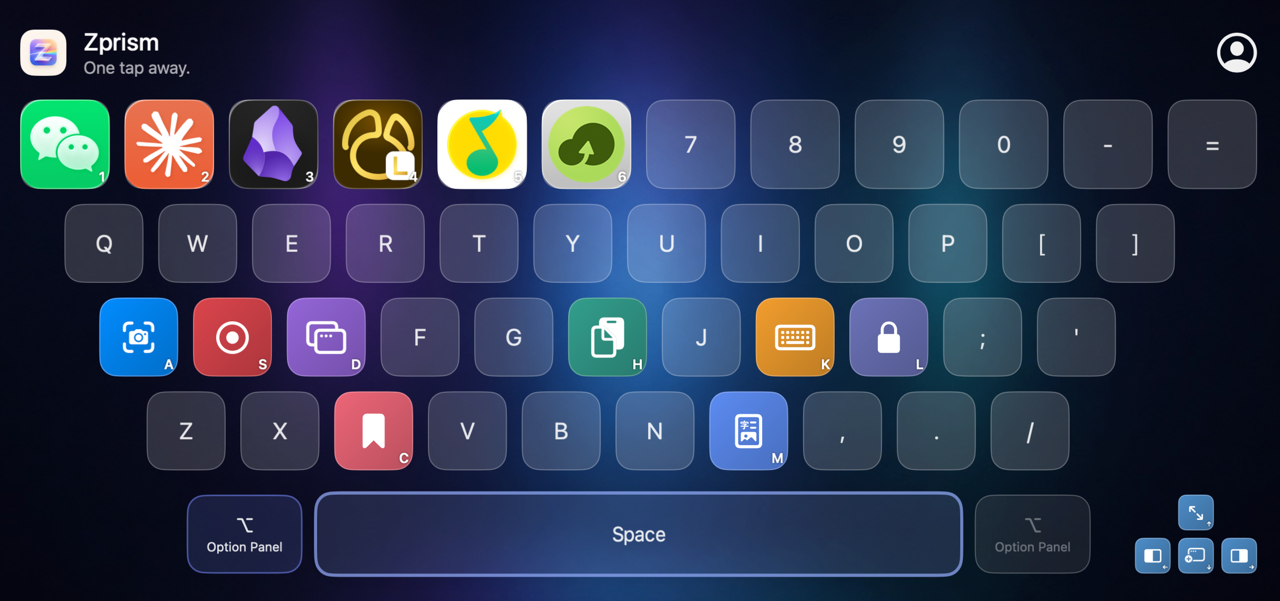
A look inside
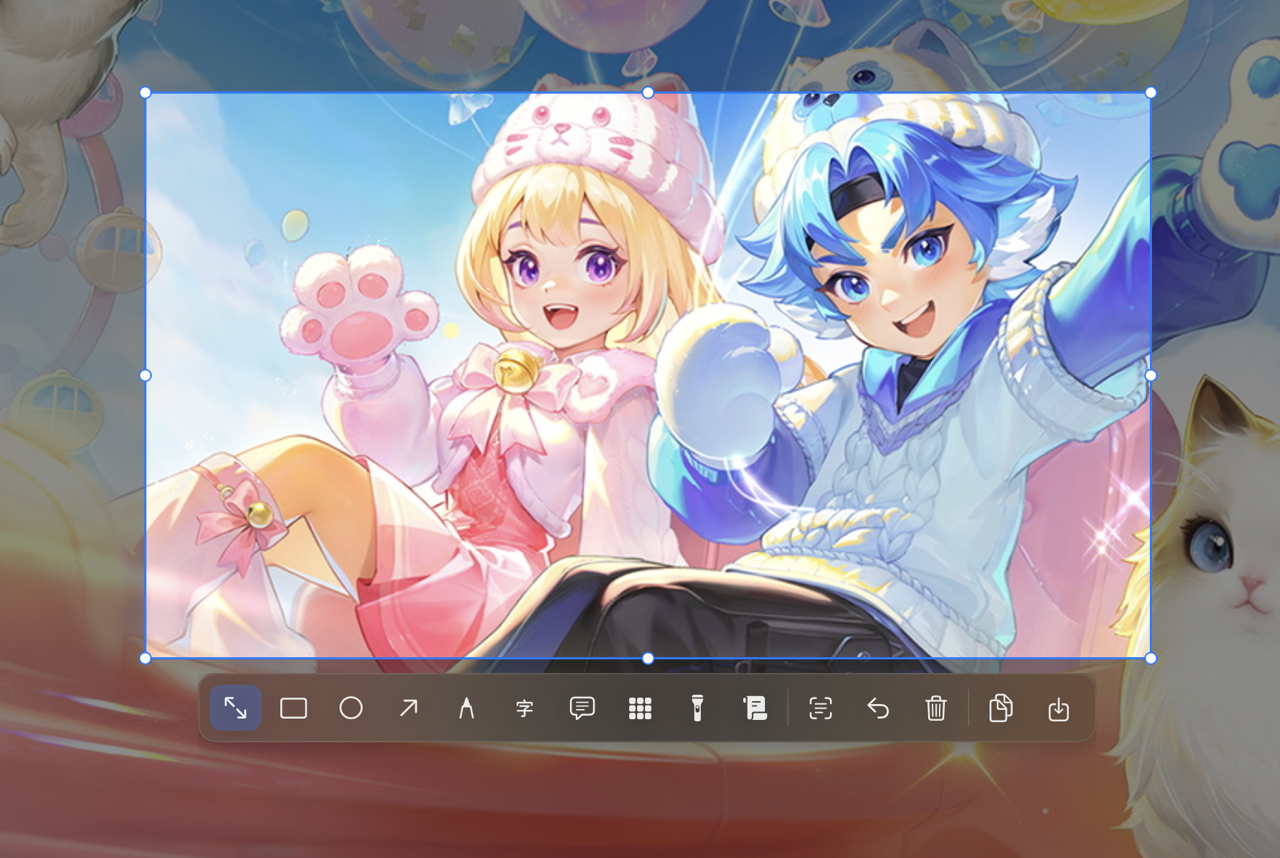
From the keyboard launcher to screenshot markup — a look at Zprism.
Feature highlights
- Keyboard-grid launcher (separate left / right Option layouts)
- Shortcut-key lookup
- Screenshot with in-place annotation (arrow / mosaic / spotlight / text / long shot)
- Screenshot OCR — extract text and translate
- Screen recording (blue border, audio level, post-crop annotate, camera PiP)
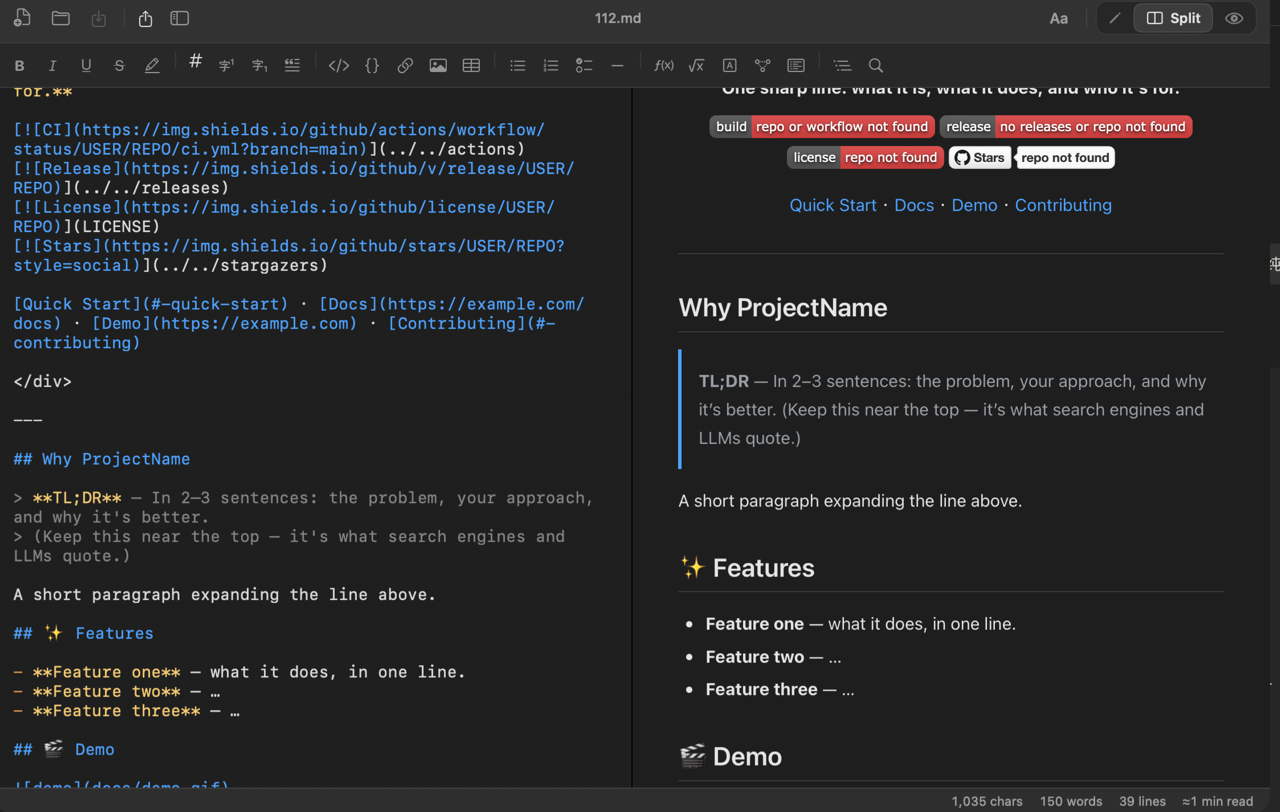
- Split-pane Markdown editor
- Clipboard history (text & images, stored locally)
- Web bookmarks (optional cloud sync)
- Calendar (lunar / solar terms / holidays)
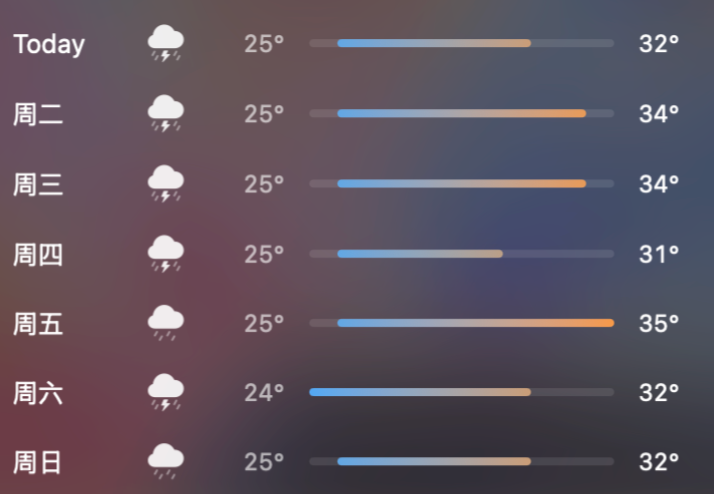
- Weather widget
- Color picker
- Window management (half / full / center / corner)
- System quick actions (lock screen / show desktop)
- Auto-update (Sparkle)
How to use
- 1Press Control + ` to open / close the keyboard panel (the menu-bar item toggles it too).
- 2Click or press a key to run its binding; click an empty key to bind an app or feature, drag to swap, right-click to rebind.
- 3Default Control + A takes a screenshot: drag to select → annotate in place → double-click or Copy to grab it and save to Desktop; OCR reads the text.
Install
Download the .dmg and drag Zprism into Applications. Requires macOS 15+; grant Screen Recording on first use for screenshots / OCR. Updates itself via Sparkle.
Learn more
| Platform | macOS 15+ |
|---|---|
| Form | Menu-bar utility |
| Shortcut | Control + ` |
| Data | Mostly local |
Zprism is a keyboard-shaped menu-bar panel for launching apps, annotating screenshots, OCR, and everyday Mac utilities by muscle memory.
- Mac users who prefer fixed-key launching
- People taking and marking screenshots often
- Users who prefer local productivity tools
How is it different from Raycast / Alfred?+
Zprism isn't a search-box launcher — it's a keyboard. Every physical key maps to a fixed app or feature, so you reach things by muscle memory instead of typing to search.
What can the screenshot tool do?+
After you drag a region, annotate in place with selectable objects; copy, save to Desktop, or run OCR to extract and translate text.
Is my data uploaded?+
Fully local, no backend. Screenshots, OCR, and clipboard history happen on your Mac; only web bookmarks offer optional cloud sync.
How do I install and update?+
Download the .dmg and drag it into Applications. It requires macOS 15+ and uses Sparkle for updates.